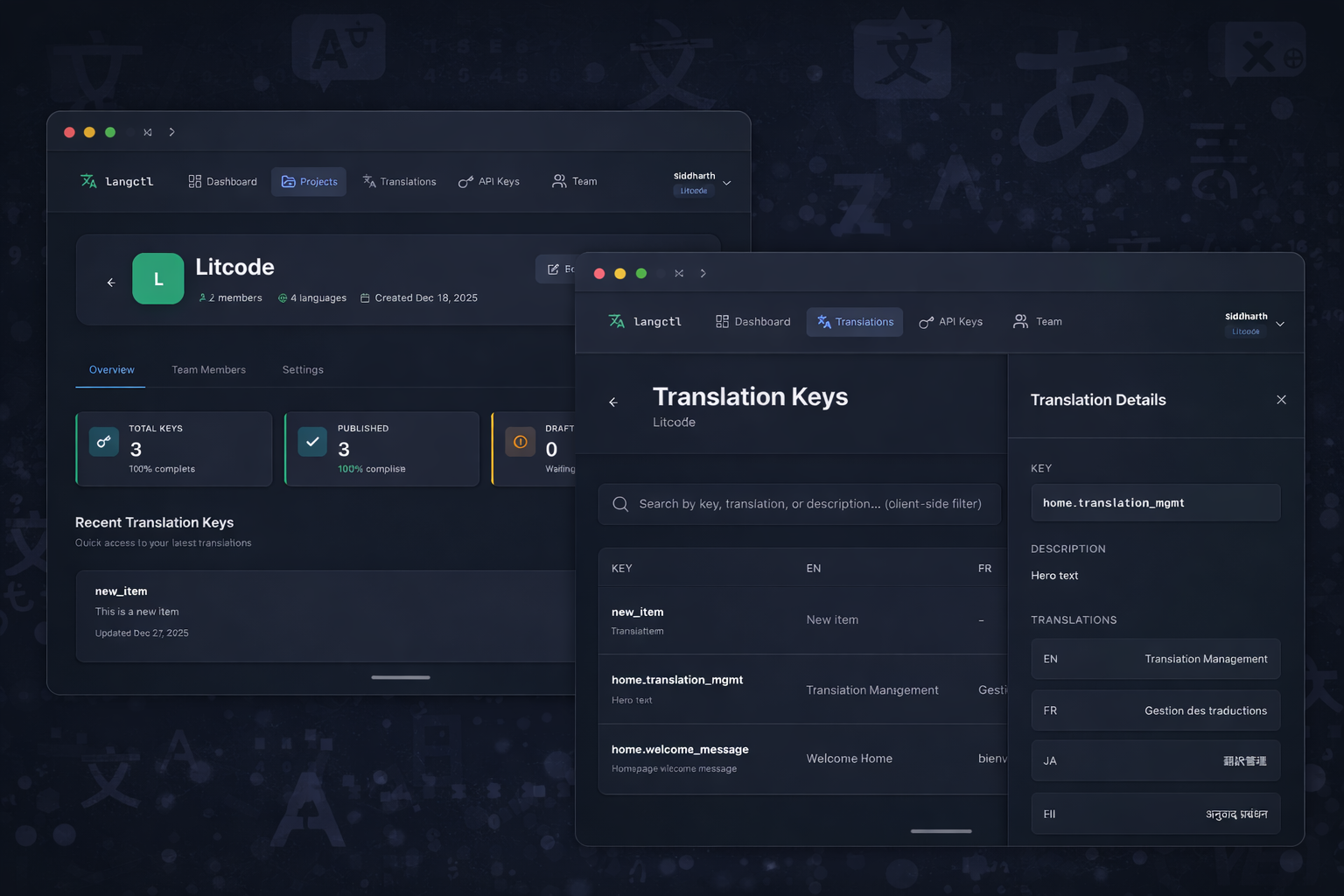
Internationalization (i18n) is one of those problems that seems simple until you’re knee-deep in it. You start with a few strings, maybe a JSON file or two, and before long you’re managing thousands of translations across multiple languages, struggling to keep everything in sync, and wondering why your localization vendor charges more than your hosting.
We built LangCtl to fix this. Here’s how it works and why we made the choices we did.
The Traditional i18n Workflow (And Why It’s Broken)
Most teams follow some version of this process:
- Developer adds a string to the code
- Developer (maybe) remembers to add it to a translation file
- Translation file gets exported, usually manually
- File goes to translators via email, Slack, or a clunky web interface
- Translated file comes back, gets manually imported
- Developer discovers merge conflicts
- Repeat
This workflow has multiple failure points. Strings get missed. Translations go stale. Nobody knows what’s been translated and what hasn’t. And the tools designed to help are either expensive SaaS platforms charging per word, or open-source solutions that require significant setup and maintenance.
LangCtl’s Approach
We built LangCtl around three core ideas:
1. The CLI is the Interface
Developers live in the terminal. Rather than forcing context switches to a web dashboard, LangCtl’s primary interface is a CLI tool that fits naturally into existing workflows.
# Initialize a project
langctl init

# Scan codebase for translation keys
langctl scan --format angular

# Check for missing translations
langctl status

# Pull latest translations
langctl pull

# Push new keys for translation
langctl push
Every common operation is a single command. No clicking through menus, no waiting for pages to load.
2. Automatic Key Detection
Manually maintaining translation files is error-prone. LangCtl can scan your codebase and extract translation keys automatically.
We support multiple frameworks and patterns:
Angular:
// Detected automatically
{{ 'home.welcome_message' | translate }}
this.translate.instant('home.cta_button')
React (react-i18next):
// Detected automatically
t('home.welcome_message')
<Trans i18nKey="home.description" />
Vue (vue-i18n):
// Detected automatically
{{ $t('home.welcome_message') }}
v-t="'home.cta_button'"
The scanner understands nested keys, interpolation variables, and pluralization patterns. It builds a complete map of what keys exist in your code and what translations are needed.
3. AI-Assisted Translation
Here’s where it gets interesting. For many projects, especially early-stage products or internal tools, professional translation is overkill. You need “good enough” translations quickly.
LangCtl integrates AI translation that:
- Understands context from key names and existing translations
- Maintains consistent terminology across your project
- Handles interpolation variables correctly
- Respects pluralization rules
# Generate AI translations for missing keys
langctl translate --target es,fr,de

# Review and approve in the dashboard
langctl open
AI translations aren’t perfect, but they’re a solid starting point. For production apps targeting specific markets, you can have human translators review and refine them. For internal tools or MVPs, they might be all you need.
Getting Started
If you’re dealing with i18n pain, give LangCtl a try:
- Sign up at langctl.com
- Install the CLI:
npm install -g @langctl/cli - Initialize your project:
langctl init - Scan your codebase:
langctl scan
The free tier is generous enough for small projects. For larger teams, paid plans offer additional features and higher limits.
Have questions or feedback? We’d love to hear from you—reach out at contact@litcode.io or through the contact page.